How to make money with ads on your WordPress blog


There are many ways to turn your website into a business, with dozens, if not hundreds, of revenue models available. Some models require a lot of maintenance, while emerging technologies promise automation but often create new busywork instead. That’s why, to this day, one of the simplest ways to make money is to run ads on your WordPress blog.
With just a few steps, you can start making money with ads by combining smart tools like Google Site Kit and AdSense with a consistent content and traffic strategy. And while all businesses require time and attention, the ad-revenue model is one of the best at letting your website work for you, even while you sleep.
In 2025, even small blogs, with traffic of 10,000 monthly visitors or less, earned up to $1000 per month from ad revenue. While blogging may not be the hot news topic that it used to be, statistics prove there is still money to be made.
Why use Google Site Kit and AdSense to make money with ads
Google AdSense remains one of the easiest ways for WordPress bloggers and small businesses to make money with ads. That’s because it handles all the ad auctions, formats, and payments for you once your site is approved. It’s tied into the Google Ad ecosystem, the largest online ad platform in the world.
Site Kit by Google is a plugin that quickly connects your site to AdSense, Analytics, and Search Console together inside your WordPress dashboard. This tool not only helps you get started quickly, but helps you see which posts earn the most as your blog library grows.
If you’re just getting started with WordPress, our guide to creating a blog in ten minutes walks through launching a hosted site that’s ready for AdSense and other monetization options. Compared with platforms like Blogger, a WordPress site on EasyWP gives you more flexibility to place and optimize ads, use affiliate links, and even layer on e‑commerce later.
Step 1: Prepare your site for AdSense approval
Before you can make money with website ads, AdSense needs to review and approve your site. You’ll improve your odds, and usually speed up approval, if you get a few basics right:
- Publish original, helpful posts that answer specific questions.
- Add key pages like About, Contact, and a clear privacy policy, plus a cookie notice.
- Avoid scraped, duplicated, or AI-only blog content.
- Limit the use of pop-ups on your blog posts during the setup process.
- Make sure your theme is mobile‑friendly and pages load quickly.
Once your site review is complete, you’re ready to move forward. But pay close attention to alerts that might appear in Google Search Console and AdSense as you complete the next steps. These notifications will give you crucial information about other optimizations that may be needed for your website.
Step 2: Create and connect your Google AdSense account
Once your website foundation is in place, you can set up AdSense and start to make money with ads inside your blog posts.
Follow these steps:
- Go to the AdSense website and sign in with the same Google account you use for your site’s other tools, such as Analytics.
- Enter your website URL, business or individual details, and payment information as prompted in the onboarding flow.
- Copy the AdSense verification code or ad code provided during setup. You’ll add this to WordPress using Site Kit in step 3.
- Submit your site for review and continue publishing while you wait; approval can take from a couple of days to longer for new domains.
You don’t need to pay a fee to join AdSense. Sure, it will cost you a little time to get everything in place, but then you can change your focus back to blog content creation, and away from most of the technical and admin work.
Step 3: Install and configure Google Site Kit in WordPress
The Site Kit plugin is the glue that connects AdSense and your other Google tools directly to WordPress. That’s why it’s been featured on our blog as a must‑have business plugin. To add it:
- Log in to your WordPress dashboard and go to Plugins → Add New.
- Search for “Site Kit by Google,” click Install, then Activate.
- Click the new Site Kit menu item and choose to start setup, signing in with your Google account when prompted.
- Approve the requested permissions and allow Site Kit to connect your site to Search Console first.
From here, you should add additional Google services right from the Site Kit dashboard, which keeps all your key data in one place. Google Search Console, for example, is a must-have for anyone serious about managing a website, along with Analytics. If you’ve been using another plugin to connect these services, we recommend switching to Site Kit before connecting AdSense.

This is also a good time to check our EasyWP dashboard and make sure auto-updates are active, so that security patches and new features are automatically rolled out for your site.
Step 4: Link AdSense through Site Kit and start serving ads
Once your AdSense account is created, you can use Site Kit to finish the technical setup and get started with ad insertion.
In Site Kit:
- Open Site Kit → Settings → Connect More Services and select AdSense.
- Confirm the Google account that has your AdSense profile and grant access.
- If you haven’t added the AdSense code yet, Site Kit can place it for you automatically so your pages are ready for review.
- After Google approves your site, enable Auto ads within AdSense so Google can test placements and formats across your pages.
Best practices to increase ad revenue
Getting approved is a huge milestone, but most bloggers like to follow a few other best practices, as well. You grow revenue when you consistently increase both traffic and the value of each visit.
Smart ad placement and formats
If your blog has been online for more than a few weeks, introduce ad changes gradually instead of loading the page with new units all at once. Heavy edits can trigger re-indexing and short-term volatility.
After you are familiar with the automated ads, test placements above the fold, inside longer posts, and near navigation. But remember that readers must still move comfortably around your site, so intrusive ads can increase bounce rates.
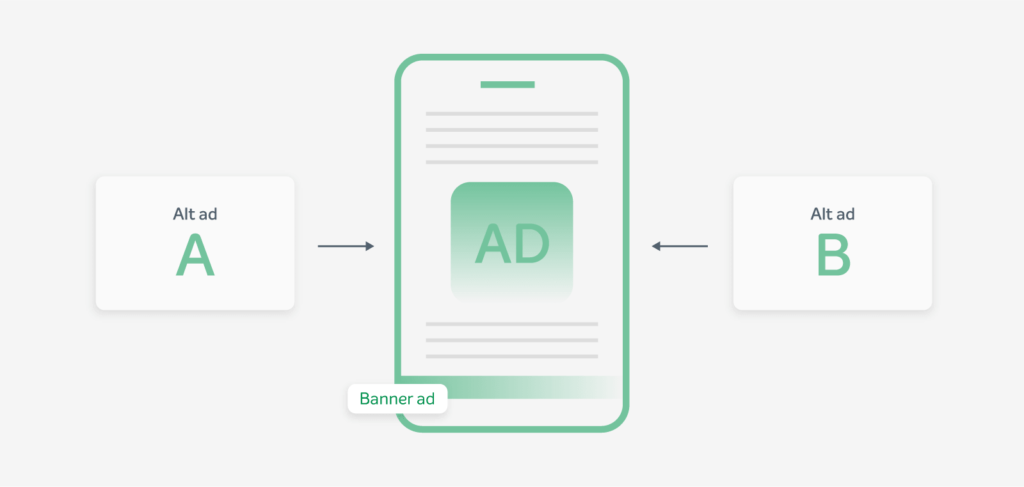
Over time, you’ll likely notice that tutorials, comparison pieces, and buying guides usually outperform quick news updates, but that doesn’t mean all types of content can’t make money. It’s all about figuring out the balance that’s right for your blog.
Content that supports monetization
The golden rule is to write for humans first and search engines second, because real readers are the ones who click, subscribe, and share.
Use keyword research and Google Search Console to see which queries you already rank for, then build deeper follow-up pieces that expand on those themes without turning every paragraph into ad bait.
As your library grows, you might find opportunities to refresh older posts with sharper headings, updated examples, and expanded FAQs so existing traffic has more chances to help you make money with ads.
Traffic from social and beyond
Ad earnings scale with qualified traffic, so distribution matters just as much as what you publish. Treat each new article as an asset to be shared across your main social channels, with captions and visuals tailored to each platform.
When a post performs well, repurpose it into short videos, carousel posts, or newsletter snippets that drive people back to the full article where your AdSense units live.
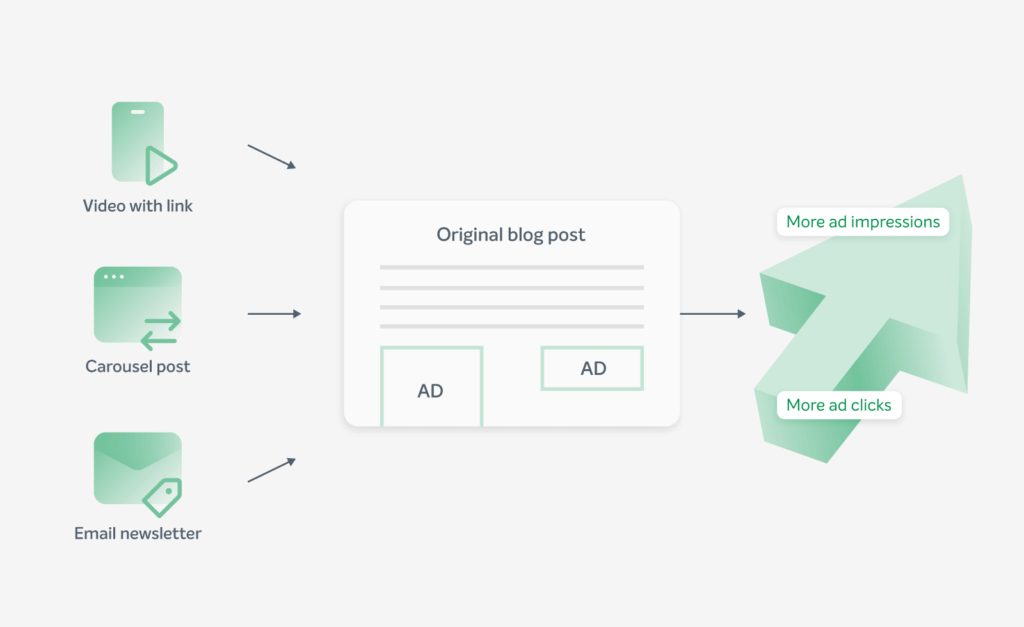
Over time, this creates steady, predictable growth in pageviews from visitors who actually read your work — exactly when you make money with ads most efficiently.
How EasyWP keeps your ad revenue safe and stable
Monetization only works when your site is online, fast, and secure for visitors. EasyWP’s cloud infrastructure and security tools are built to quietly protect the ad‑powered business you’re growing.
HackGuardian, EasyWP’s free WordPress site protector, helps block changes to core files and reduces the risk that a compromised plugin or theme will inject malicious ad code or spammy redirects — both common reasons for AdSense penalties or suspensions.
Turn your ad strategy into a real business
By combining Site Kit, AdSense, and a clear plan to make money with ads on top of an EasyWP‑hosted site, you get a sustainable, secure way to turn your WordPress blog into a real revenue stream. For the next step in your journey, dive into our tutorial for more ways to use website performance metrics to improve customer acquisition.
FAQ: Making money with ads on WordPress
How much traffic do I need before I can make money with ads?
There’s no official traffic minimum for Google AdSense, but you’ll see more meaningful results once you reach a few thousand visitors per month. Many small blogs earn their first consistent ad income in the 3,000–10,000 monthly visitor range. The key is steady, sustainable growth instead of relying on one viral spike.
What other monetization methods can I combine with AdSense on my blog?
Once AdSense is running smoothly, many bloggers layer in affiliate marketing, especially on product reviews and comparison posts.
How can I tell if my ads are slowing down my site or hurting conversions?
You can track performance with both Google Analytics and EasyWP’s own Stats and performance resources to see how changes in ad layout affect bounce rate, time on page, and conversions. If you notice higher exits or slower load times after adding more units, it’s a sign to reduce placements, test lighter formats, or move some ads further down the page.


More articles from us!

